
The final exercise of this project makes use of the viewfinder grid display of a digital camera. This function projects a grid onto the viewfinder screen to help align vertical and horizontal lines, such as the horizon or the edge of a building, with the edge of the frame. If your camera doesn’t have a grid display, imagine a simple division of the viewfinder into four sections.
Take a good number of shots, composing each shot within a single section of the viewfinder grid. Don’t bother about the rest of the frame! Use any combination of grid section, subject and viewpoint you choose.
When you review the shots, evaluate the whole frame, not just the part you’ve composed. Take the same approach you used to evaluate the point and line exercises: examine the relationship of elements to the frame. Composition is part of form and formal analysis will be a useful skill for your exercises and assignments as you progress through the course.
Select six or eight images that you feel work individually as compositions and also together as a set. If you have software for making contact sheets you might like to present them as a single composite image. Add the images to your learning log together with technical information such as camera settings, and one or two lines containing your thoughts and observations.
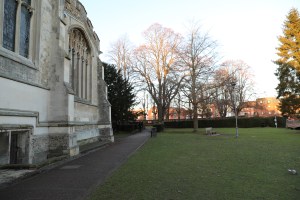
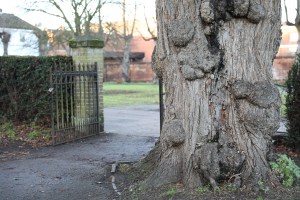
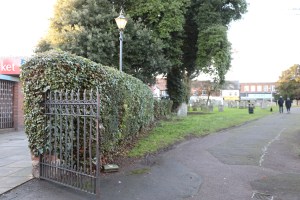
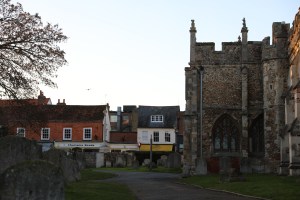
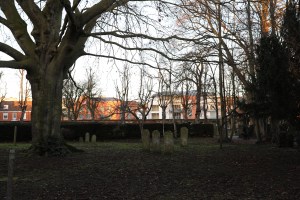
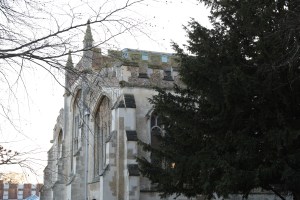
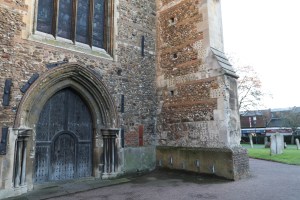
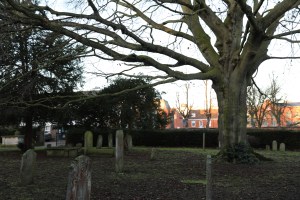
These images were taken with a Canon EOS D5 Mark IV camera with a Canon EF 24-70mm USM lens, it was set to fully Auto mode for these images. At first it was difficult to focus on just one part of the grid view as you automatically want to survey the entire viewfinder.
I eventually managed to take quite a few images and selected the better ones which are above, when evaluating the images it was more luck than judgement what appeared in the remaining parts of the frame.
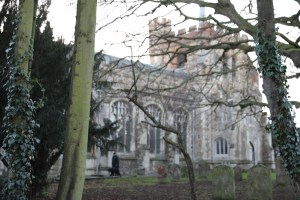
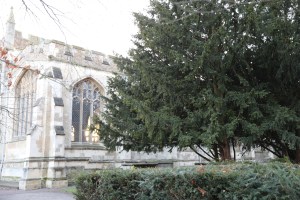
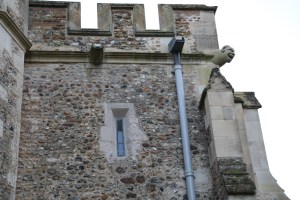
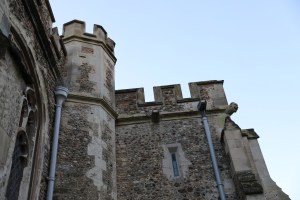
On evaluation of these four images above, it certainly proved the point of how all of the areas within the viewfinder grid are just as important as the focal point you are concentrating on when composing an image. These images just didn’t balance or work at all.
 Jo's Photo Blog