Make a Google Images search for ‘landscape’, ‘portrait’, or any ordinary subject such as ‘apple’ or ‘sunset’. Add a screengrab of a representative page to your learning log and note down the similarities you find between the images.
Now take a number of your own photographs of the same subject, paying special attention to the ‘Creativity’ criteria at the end of Part One. You might like to make the subject appear ‘incidental’, for instance by using juxtaposition, focus or framing. Or you might begin with the observation of Ernst Haas, or the ‘camera vision’ of Bill Brandt.
Add a final image to your learning log, together with a selection of preparatory shots. In your notes describe how your photograph differs from your Google Images source images of the same subject.
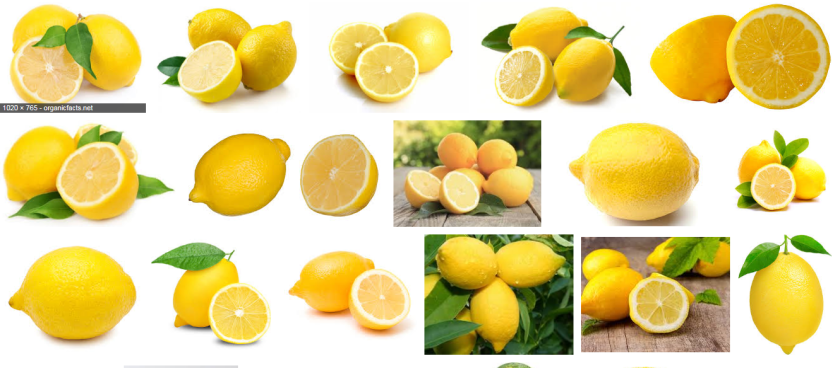
For these images I googled ‘lemon’. All the lemons were photographed in a similar vein, they all have white backgrounds and all the compositions are similar by slicing one in half.
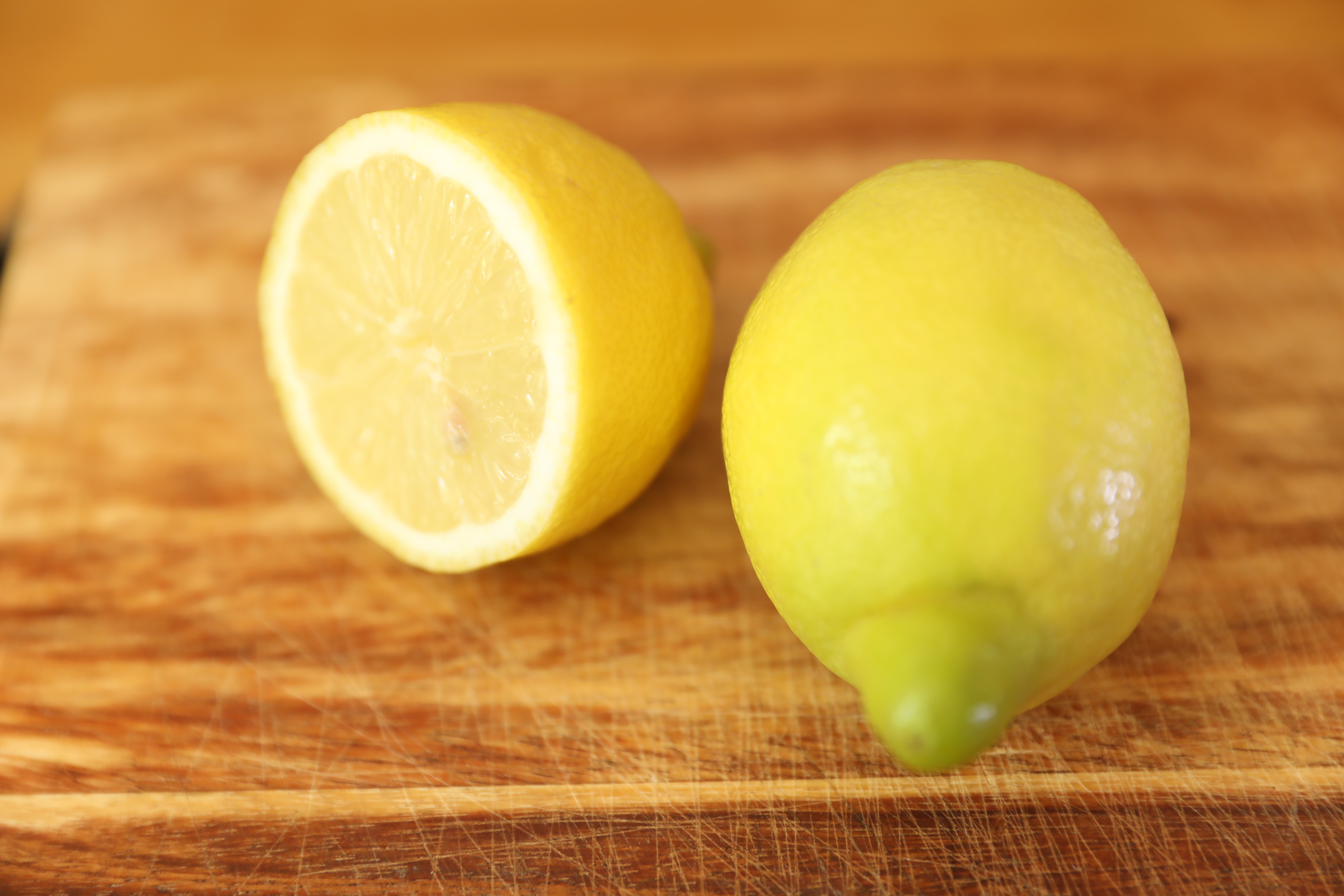
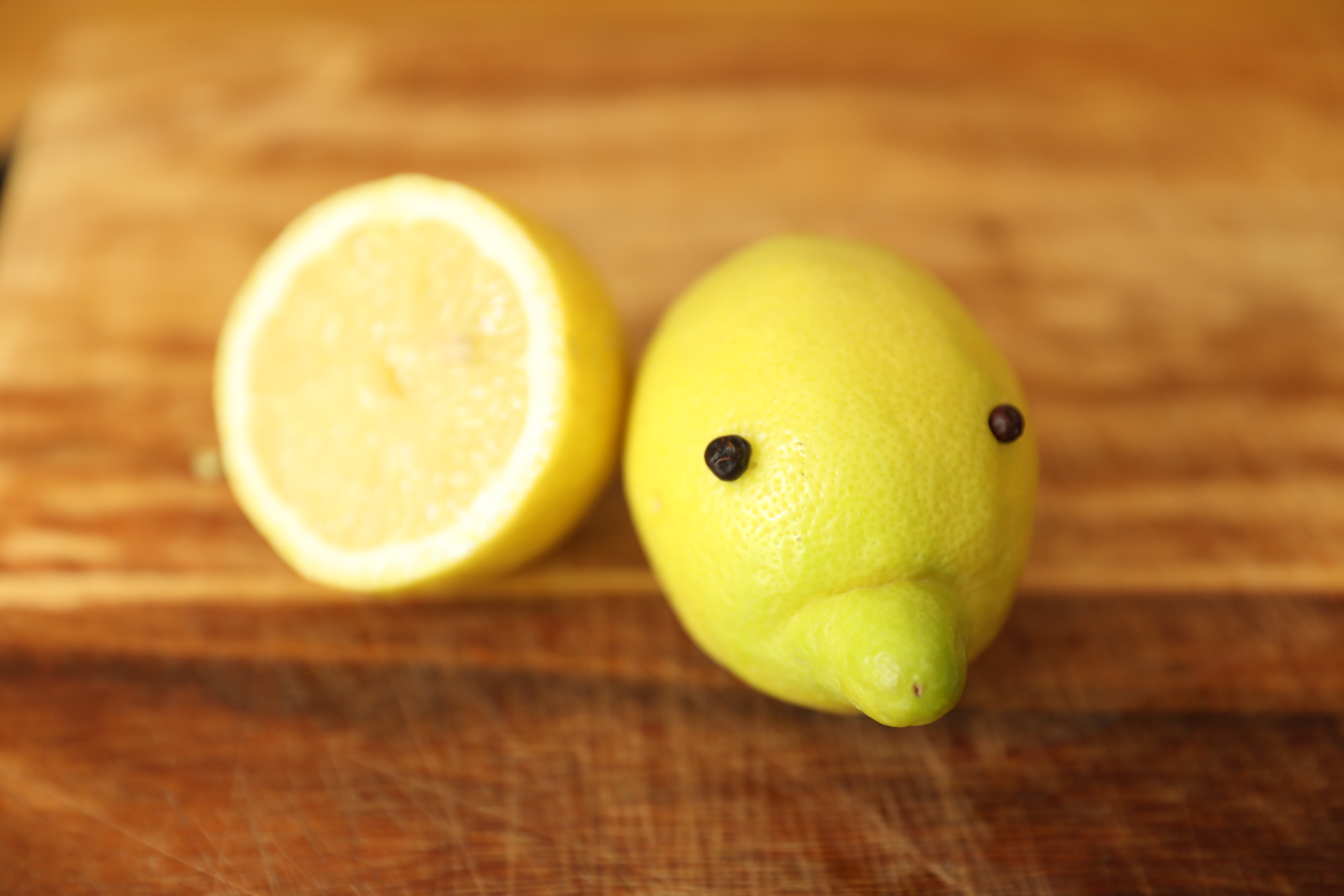
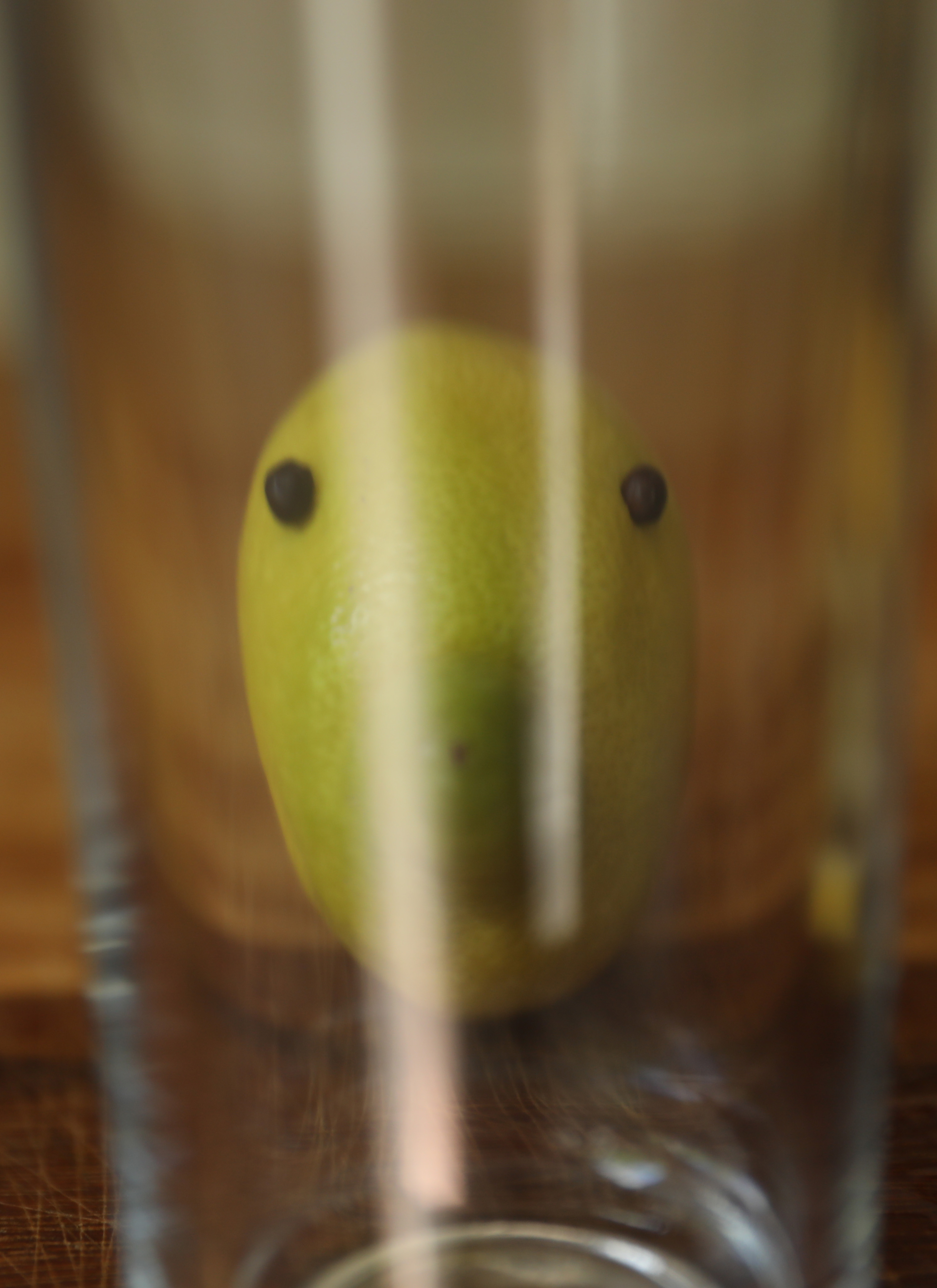
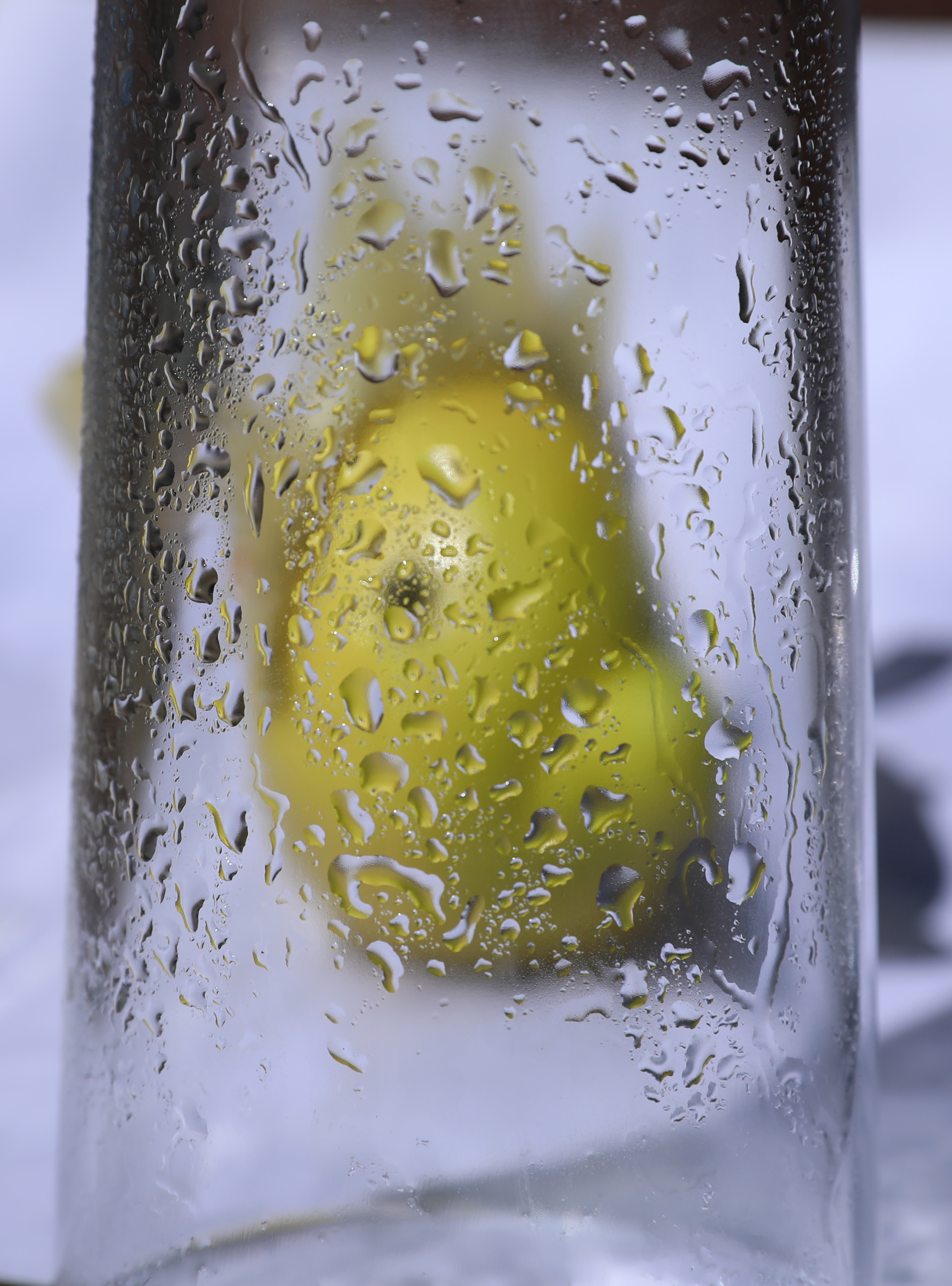
These images were taken using a Canon EOS 5D mark IV with a 24-70mm lens in manual mode.
Image 3 ISO400 F/2.8 1/200
Image 4 ISO100 F/7.1 1/1250
I wasn’t sure which image to use as my final image out of the bottom two, I was trying to create a composition in a similar fashion to Saul Leiters (1923-2013) images, he has taken photographs through plain windows and windows in wet weather. For my images I wanted to be creative, inventive and use my imagination, I think in hindsight I could have used my imagination a lot more, but it does serve the purpose of the exercise. It also shows, that after looking at the Googled images, you need to be innovative when taking pictures for them to stand out against others.
 Jo's Photo Blog